This blog covers essential video editing tips & tricks using Adobe Premiere Pro , DaVinci Resolve , Adobe Photoshop. Learn how professional editors enhance footage, improve color grading, and achieve a polished, cinematic look with industry-standard tools.
In today’s digital-first world, high-quality visuals are essential for building strong brands, telling powerful stories, and creating lasting impressions. Professional photo and video editing plays a crucial role in transforming raw images and footage into polished, engaging content. By using industry-standard software like Adobe Premiere Pro, DaVinci Resolve, and Adobe Photoshop, creators can achieve cinematic, professional-grade results that stand out across platforms.
Professional editing enhances clarity, color accuracy, storytelling, and emotional impact. Whether it’s a wedding film, corporate video, social media reel, or commercial photoshoot, skilled editing ensures:
Amateur editing can reduce the impact of great visuals, while professional tools and techniques elevate them to industry standards.
Adobe Premiere Pro is widely used in film, television, and digital media production. It allows precise timeline editing, smooth transitions, advanced audio controls, and seamless integration with other Adobe tools.
Best for:
DaVinci Resolve is known globally for its powerful color correction and color grading capabilities. It helps achieve cinematic tones, mood consistency, and professional visual depth.
Best for:
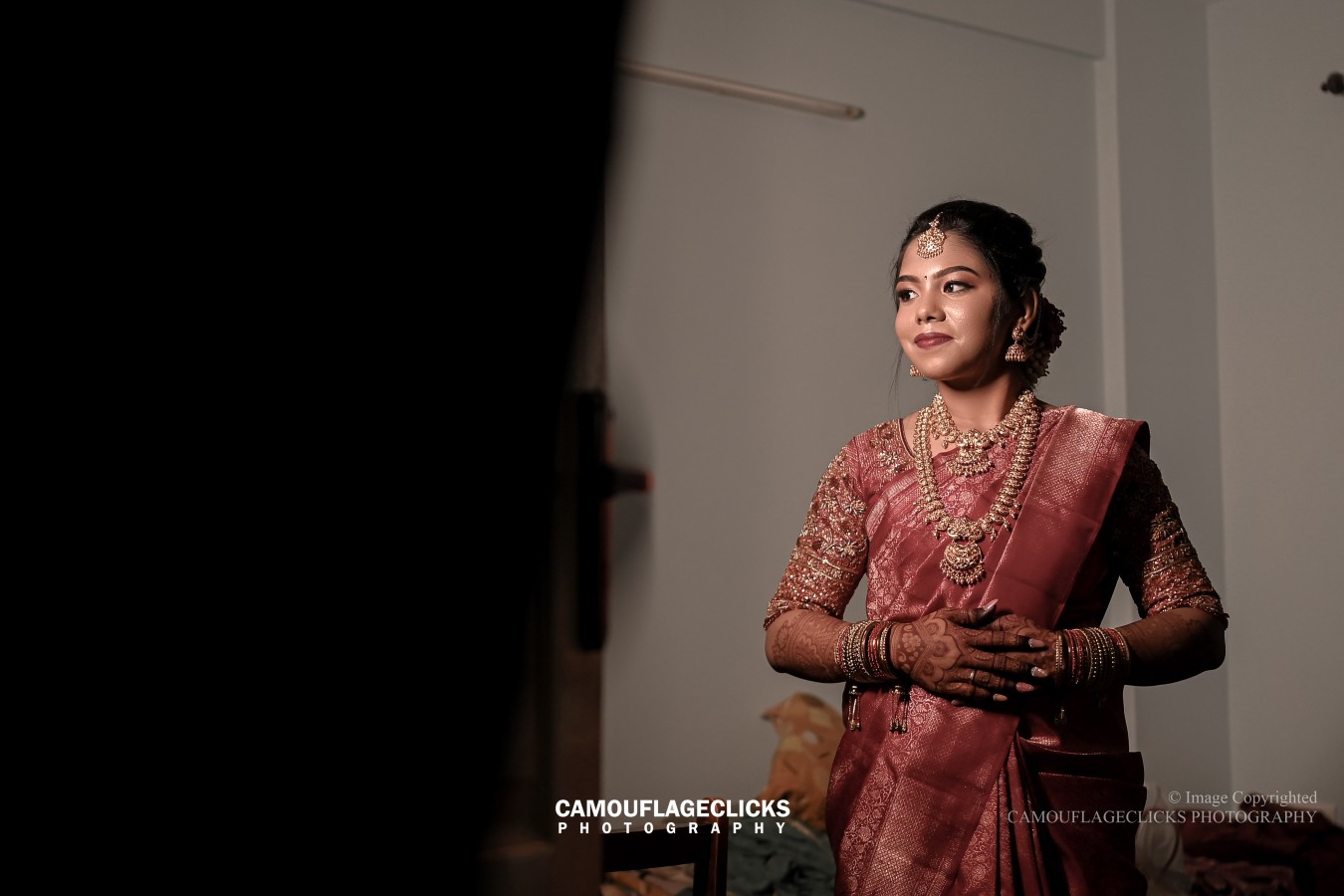
Adobe Photoshop is the industry standard for photo retouching and image enhancement. From basic color correction to advanced skin retouching and background cleanup, it ensures images look flawless and natural.
Best for:
This structured workflow ensures consistency, creativity, and professional results.
Before adding creative effects, correct exposure, white balance, and contrast. A clean base gives better final results.
Over-editing can ruin visuals. Subtle retouching and smooth transitions look more professional and timeless.
Maintain a consistent color palette across photos or videos to build strong visual identity and branding.
Good editing is not just about effects—it’s about pacing, emotion, and narrative flow.
Edit differently for YouTube, Instagram, websites, and ads. Aspect ratio, duration, and compression matter.
Clear, balanced audio is just as important as visuals. Poor audio can reduce overall quality instantly.
Whether you are a business, brand, or individual, professional editing adds long-term value to your visual content.
Photo & Video Editing with Industry-Standard Software is essential for creating visually stunning and impactful content. By using Adobe Premiere Pro, DaVinci Resolve, and Adobe Photoshop, professional editors can deliver cinematic videos and flawless photos that truly stand out. Investing in expert editing is not just about visuals—it’s about storytelling, quality, and lasting impressions.